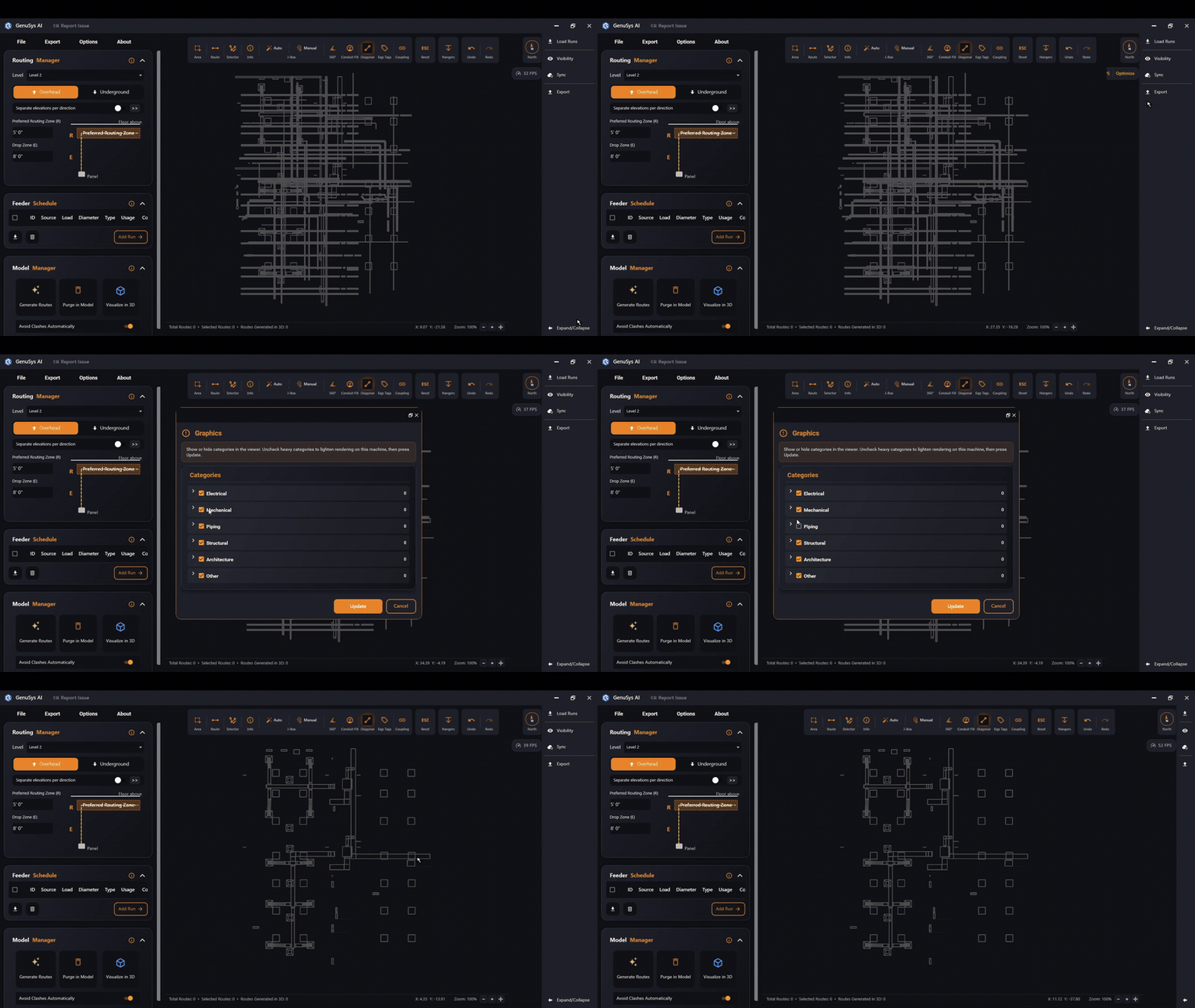
Visibility
Choose which model categories are shown in the viewer background.
Last updated July 19, 2026
Visibility opens the graphics picker, where you choose which model categories are shown in the viewer background — walls, structure, ducts and so on. Turn categories on to give yourself context, or off to keep the view clean and fast.
It’s the same category list as the Graphics settings, but on demand — handy for toggling context while you work.