
Side Bar Functionality
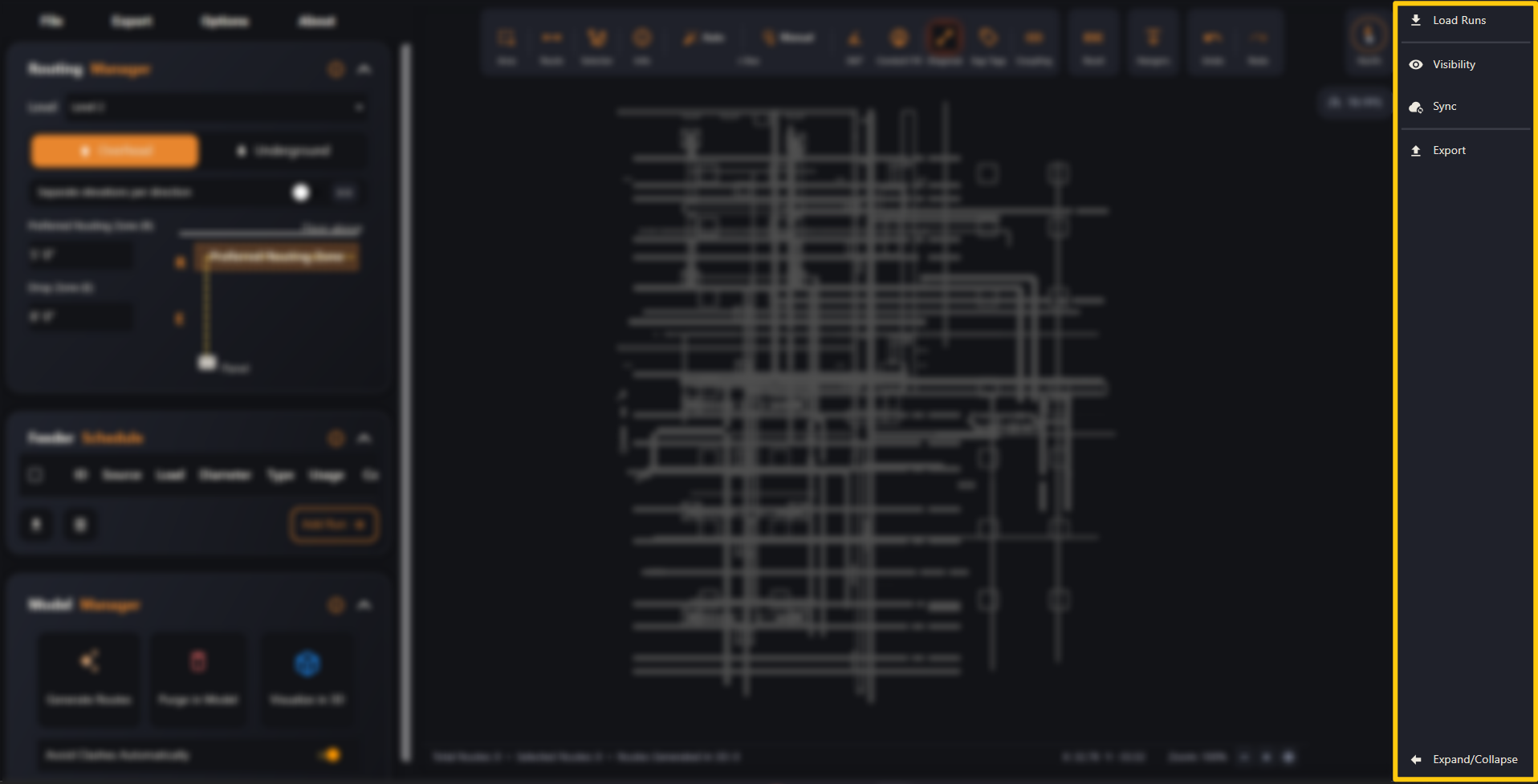
The right-hand side bar — Load Runs, Visibility, Sync and Export, plus expand/collapse.
Last updated July 19, 2026
The side bar on the right of the viewer holds a few handy shortcuts — loading runs, controlling what’s visible, syncing the model and exporting your design.
By default it’s a compact strip of icons; click ← Expand/Collapse at the bottom to widen it and show the labels (as pictured).
Pick an option below.