
Panel Buttons
The Add Run, Download (export) and Delete buttons on the panel.
Last updated July 19, 2026
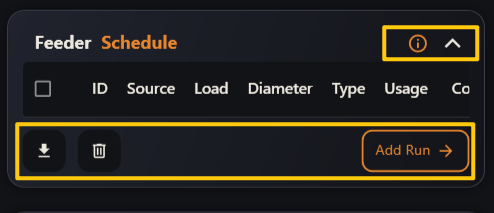
- ⬇ Download — export the feeder schedule data (so you can keep or share it).
- 🗑 Delete — remove the selected runs from the schedule.
- Add Run → — opens the full Feeder Schedule window to create and edit runs.
- ⓘ Info opens the built-in help, and the ⌃ chevron collapses or expands the panel.