Opening Duct Bank
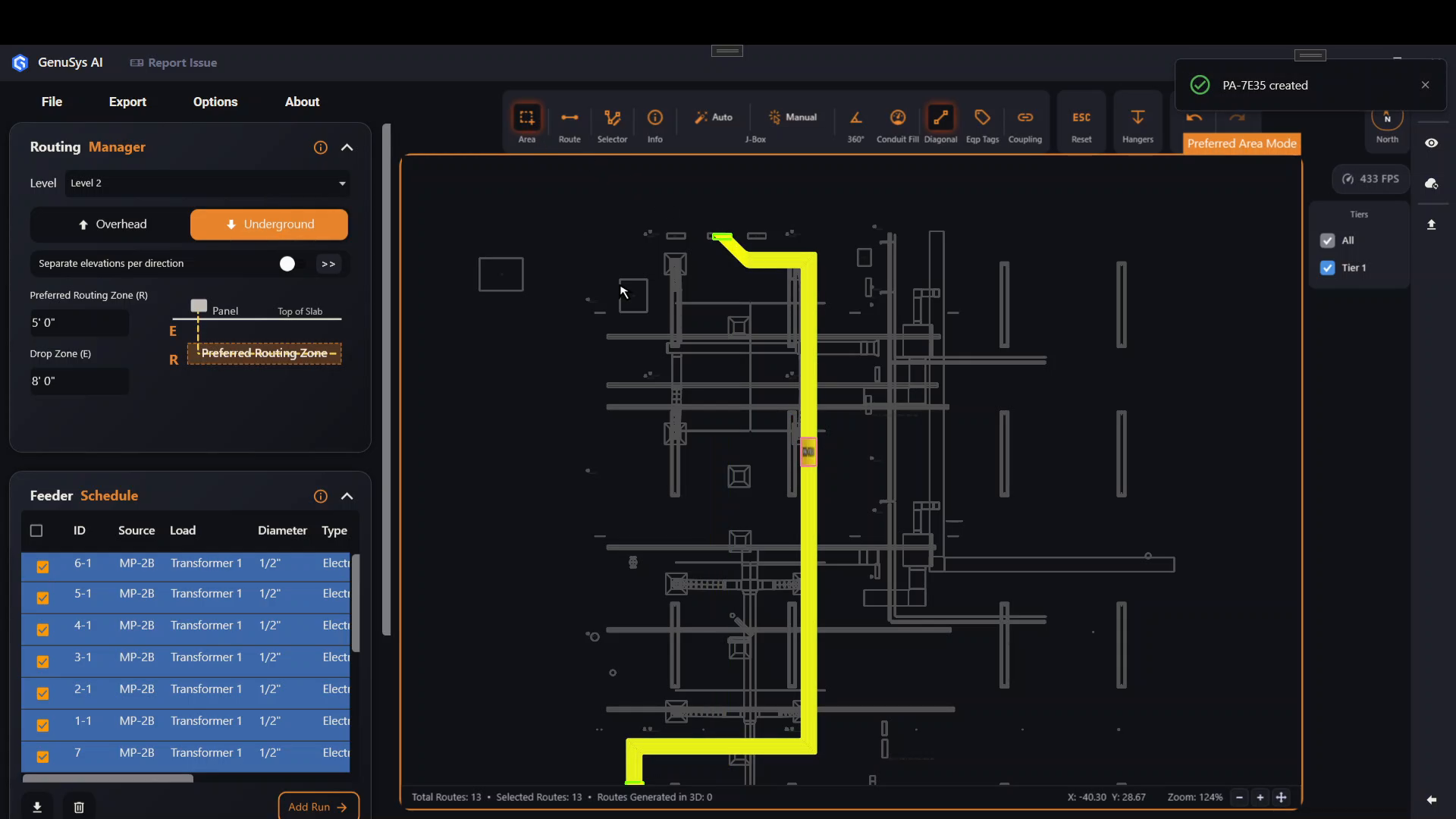
Switch to Underground, draw a Preferred Area, then right-click it and choose Duct Bank.
Last updated July 19, 2026
Duct Bank is an underground feature, so:
- In the Routing Manager, switch the mode to Underground. (Duct Bank only appears for underground routing.)
- Click Area in the toolbar and draw a rectangle around the conduits you want to bank. ABR creates a preferred area.
- Right-click the preferred area and choose Duct Bank from the menu.