
The Columns
What each column means — ID, Source, Load, Diameter, Type, Usage, Comments.
Last updated July 19, 2026
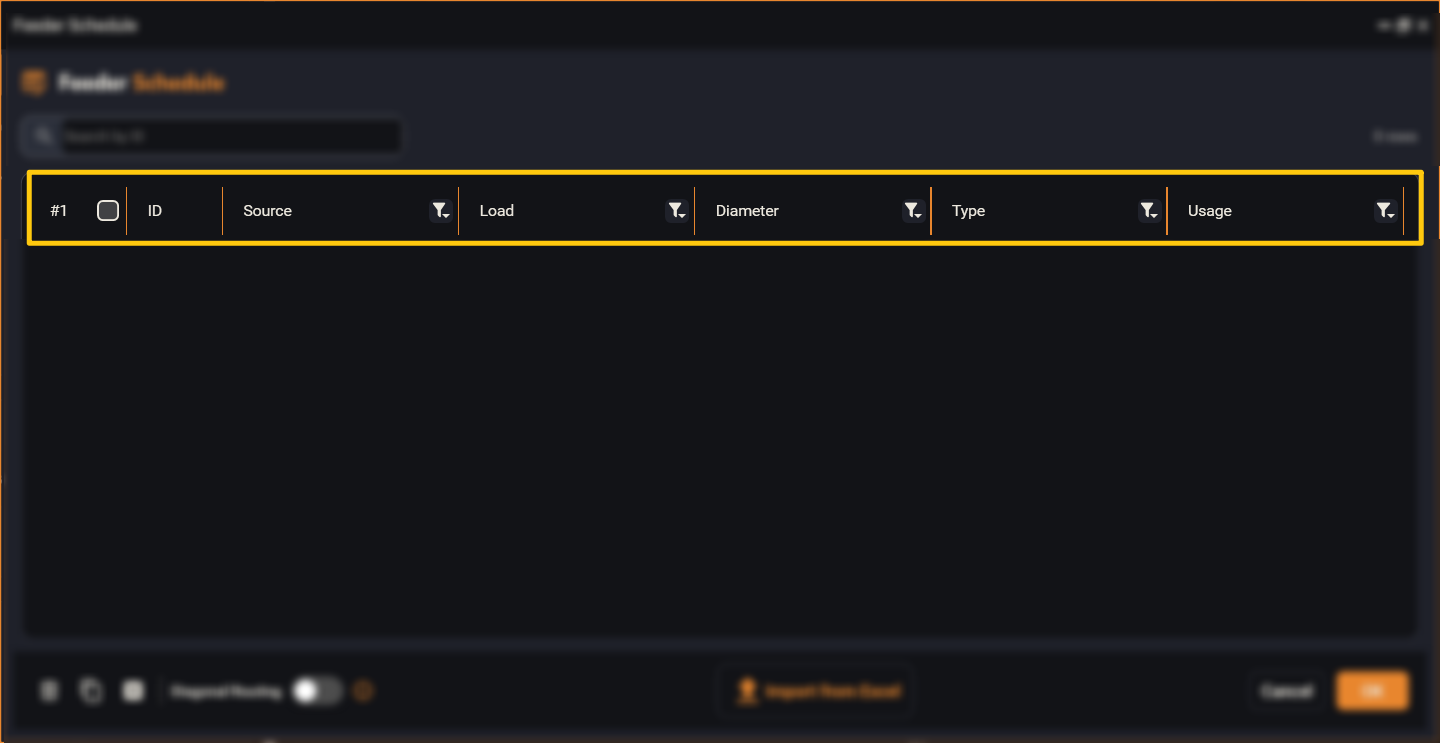
Every row describes one conduit run:
- ID — a unique name for the run.
- Source — the panel the run starts from (the originating panel).
- Load — the panel or equipment the run goes to (the destination).
- Diameter — the conduit size (for example
1/2"). - Type — the conduit family (for example Electrical Metallic Tubing).
- Usage — what the run is for (for example
PWR,SECURITY). Its colour shows the conduit fill status: green = fine, yellow = warning, red = over-filled. - Comments — notes or messages about the run.
Tick the checkbox on the left of any rows to select them for batch actions (delete, export, etc.). The checkbox in the header selects everything.