
Panel header controls
The Info, Segment Details and collapse controls on the panel header.
Last updated July 19, 2026
The controls on the Routing Manager header row let you get help and tidy up the panel:
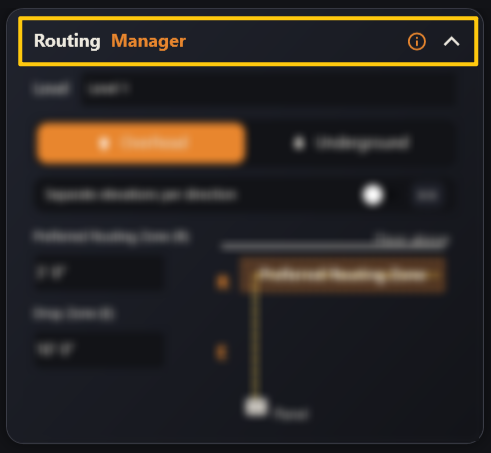
- ⓘ Info — opens the built-in help for the Routing Manager.
>>Segment Details — opens the Segment Details panel for finer, per-segment control.- ⌃ Collapse — collapses or expands the Routing Manager panel.