
Level
Pick the building level where routing happens; switching it refreshes R and E.
Last updated July 19, 2026
The Level dropdown selects the building level where the horizontal routing happens. Each level can have its own routing parameters, because ceiling heights, structural constraints and coordination with other systems differ floor to floor.
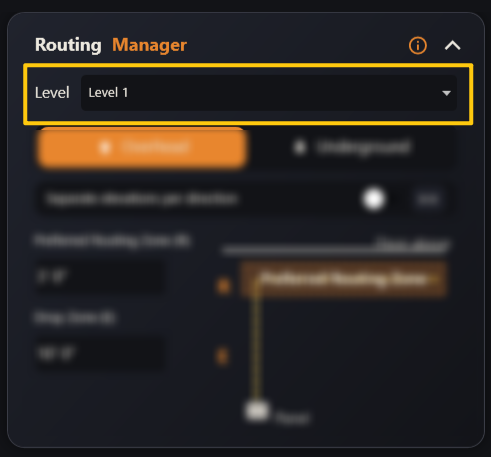
- Switching the level updates the 2D viewer and refreshes the R and E values to the ones saved for that level.
- Whatever level is selected here is the one Generate Routes will work on.