Visualize in 3D
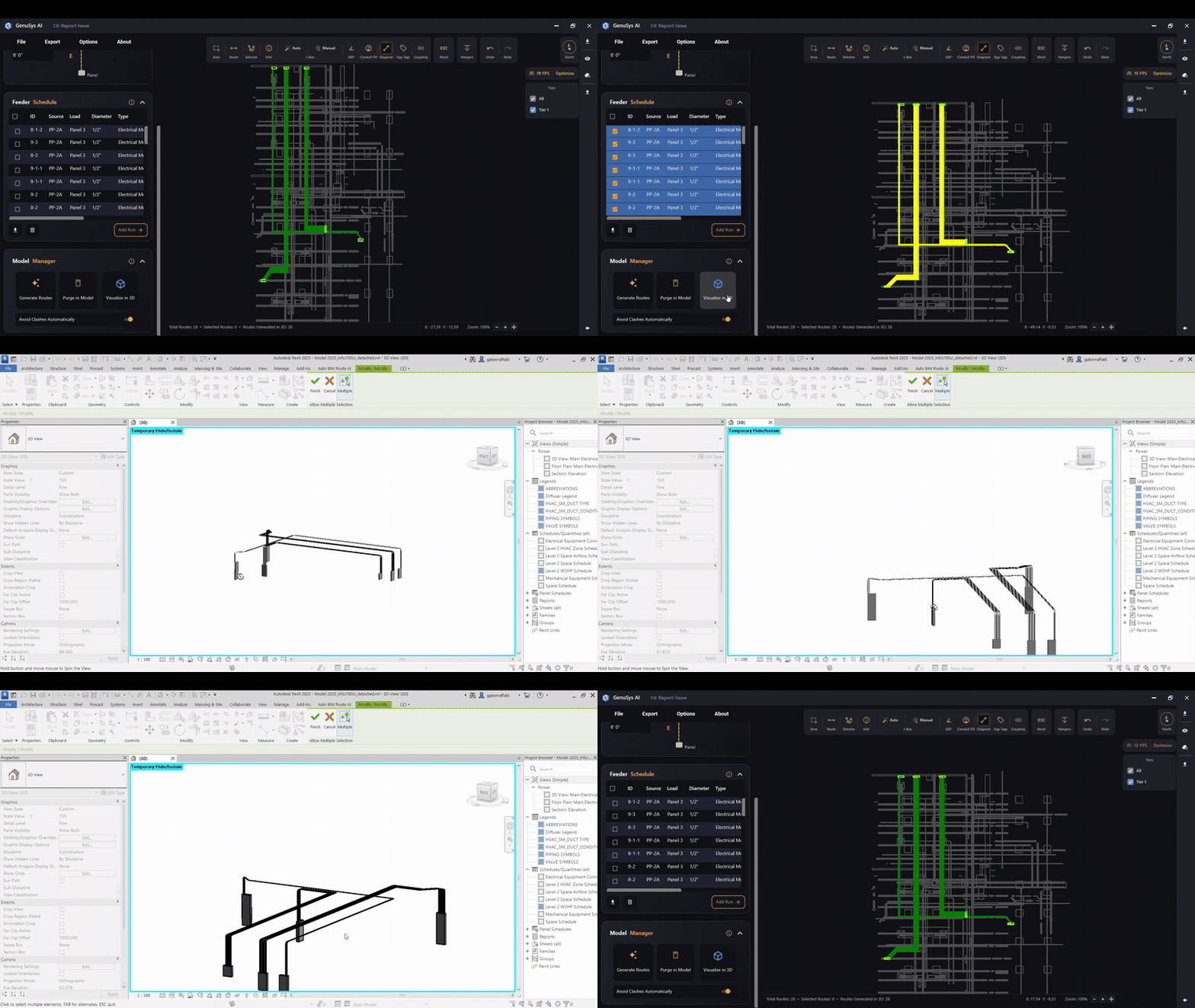
Jump into Revit's 3D view with just your routes isolated for review.
Last updated July 19, 2026
Visualize in 3D switches Revit to a 3D view and temporarily isolates just your routes and their panels, so you can review the result without the rest of the model in the way.
- You need generated routes first (it warns if there are none).
- It’s a temporary view — your model isn’t changed; it just isolates the routes for inspection.