J-Box
Place junction (pull) boxes automatically at code limits, or by hand.
Last updated July 19, 2026
The J-Box button has two halves — Auto and Manual.

Auto
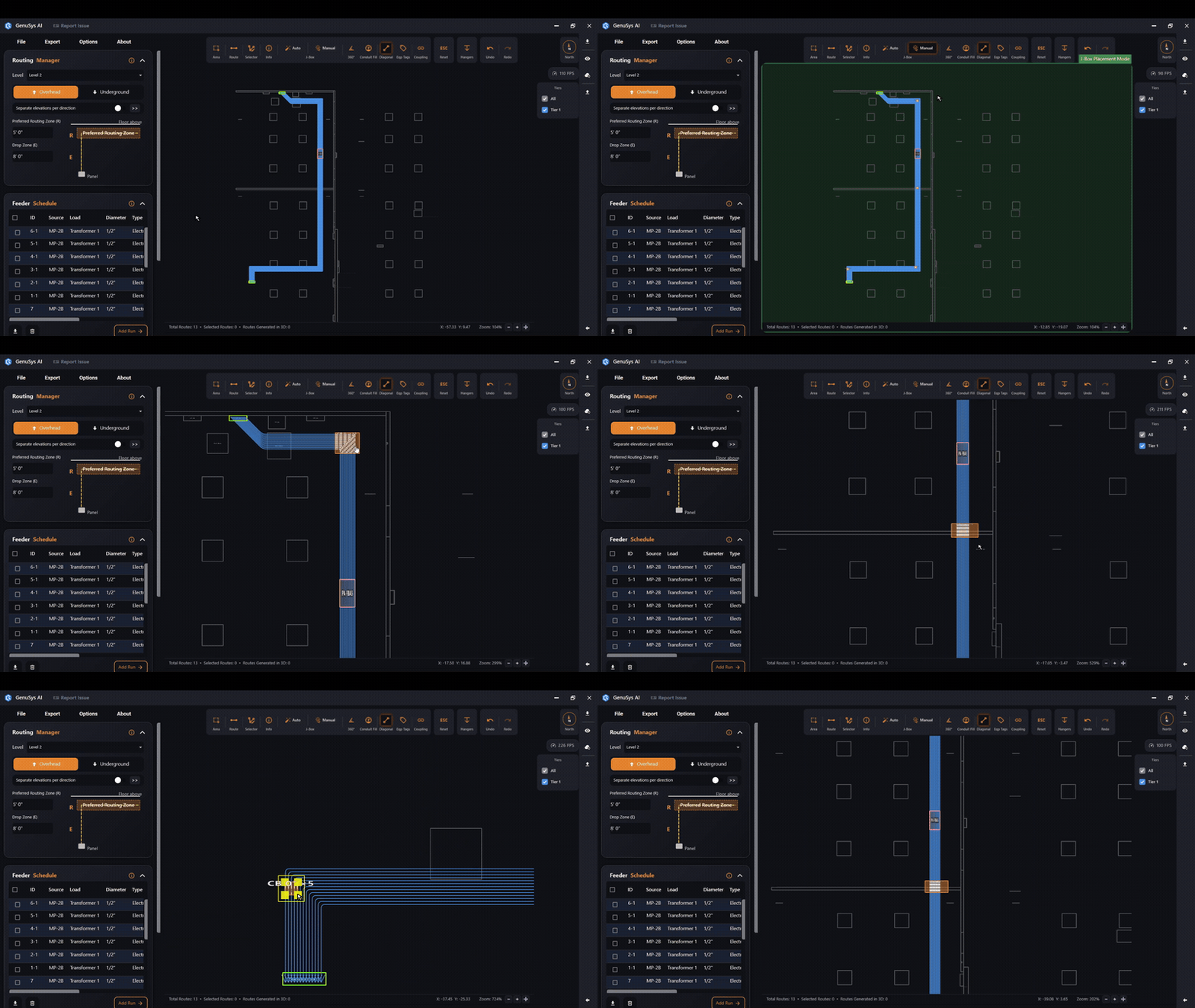
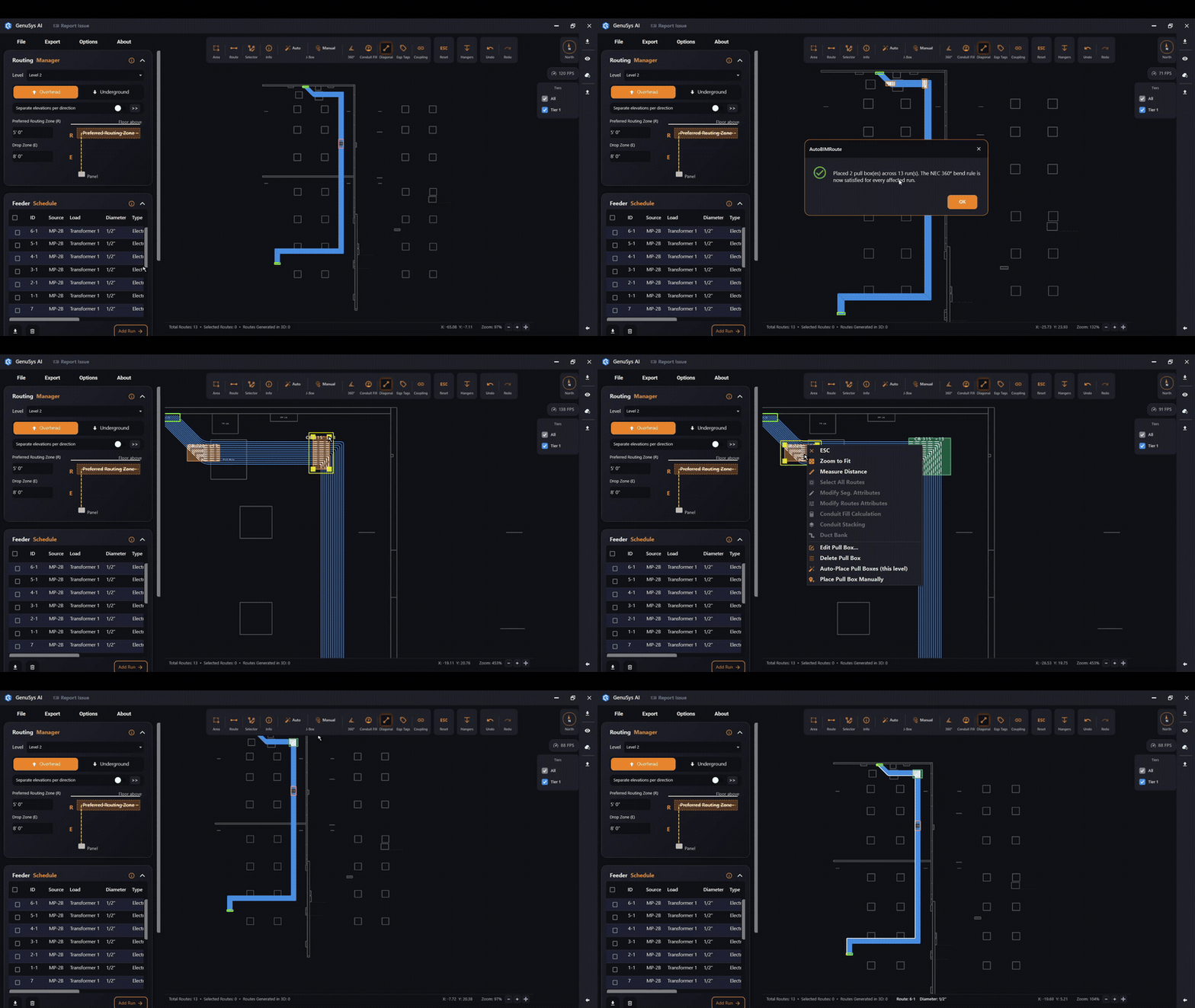
Auto runs the code-based pull-point planner across the whole level. It follows every run, finds where the total bend passes 360° (the NEC 314.28 limit), and drops a junction box (pull box) at the best reachable spot (corridors and electrical rooms are preferred). Boxes closer than 3 ft to each other are merged. A dialog reports how many it placed; runs it couldn’t solve turn red.
Manual
Manual turns on placement mode so you click anywhere on a run to drop a pull box. The viewer turns green while it’s on. Right-click (or click Manual again) to exit. Your manual boxes stay put even if you re-run Auto.