
Routing Manager Options
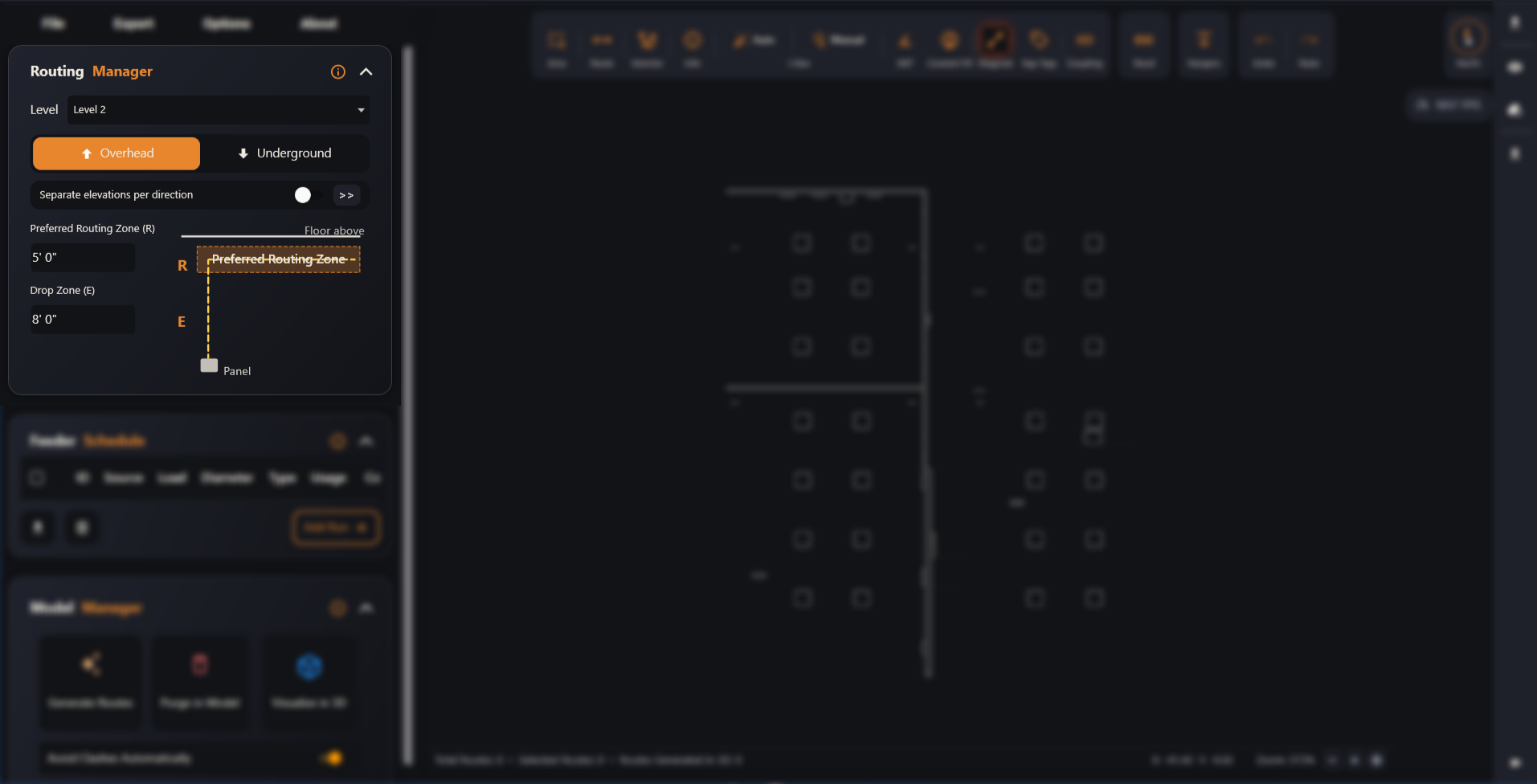
Set the routing level, elevation mode, preferred routing zone and drop zone before generating routes.
Last updated July 19, 2026
The Routing Manager defines the spatial constraints and elevation zones that govern how Auto BIM Route places electrical conduits through the building. The small diagram on the right of the panel is live — it updates as you change values, so you can see the routing zone and drop path before you generate anything.
Pick a setting below to learn what it does.