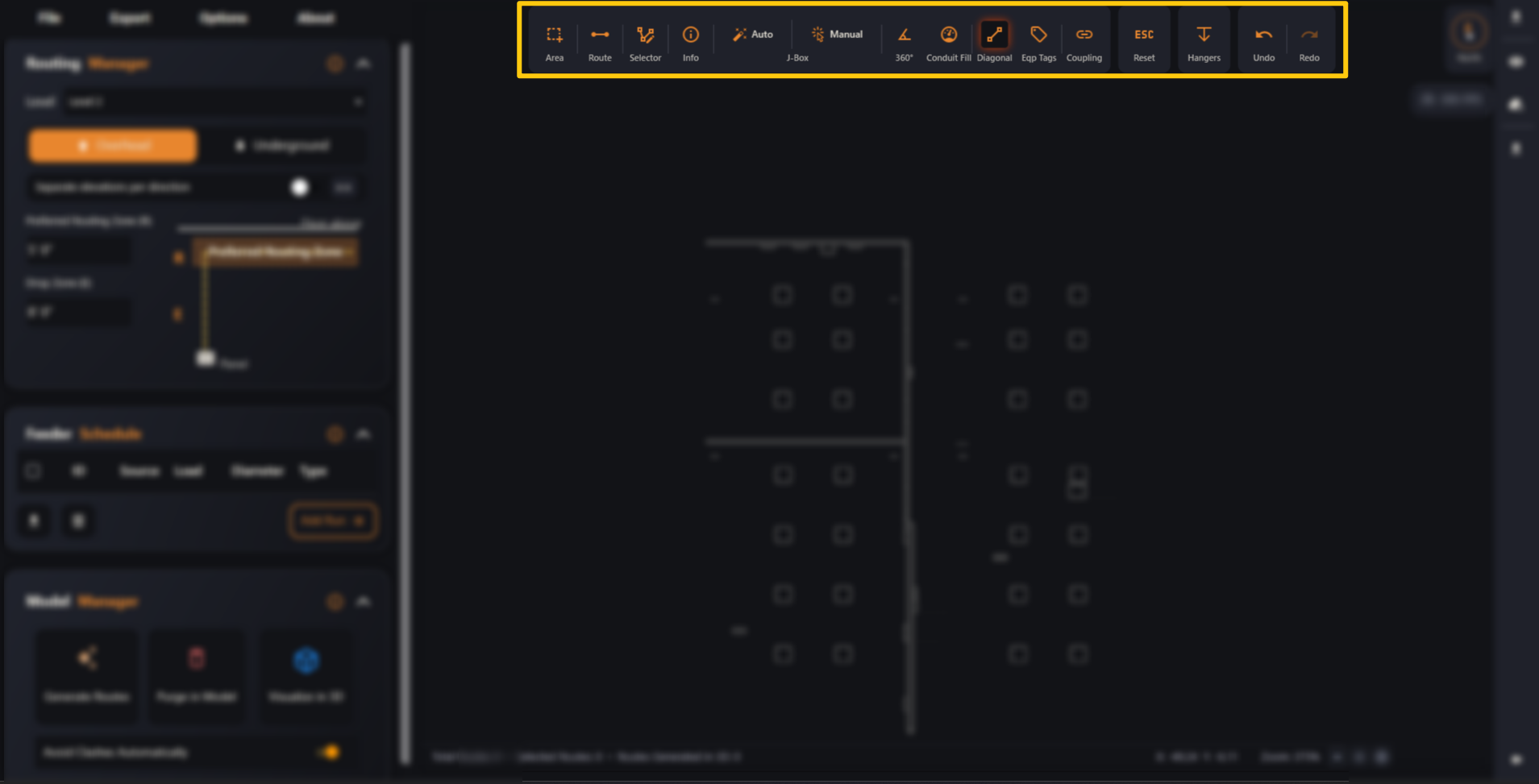
The toolbar across the top of the viewer — the tools you use to draw, edit, check and clean up your routes.
Last updated July 19, 2026
The Action Buttons are the toolbar across the top of the viewer — the tools
you use to draw, edit, check and clean up your routes.
Some buttons are one-click actions; others are modes or toggles that stay
on (and glow) until you turn them off. Reset (ESC) exits any active mode. A
few tools (360°, Conduit Fill, Coupling, Hangers) appear when you’re working
inside the Revit plugin.
Pick a button below to learn what it does — most have a short clip.