
File Name & View Name
The two read-only labels that tell you which layout and which Revit view are loaded.
Last updated July 20, 2026
Two read-only labels sit at the top of View Manager:
- File Name — the design layout that’s loaded, e.g.
ABR-AHA - LEVEL 01. - View Name — the Revit floor plan view it was exported from, e.g.
ABR PLAN VIEW - L01.
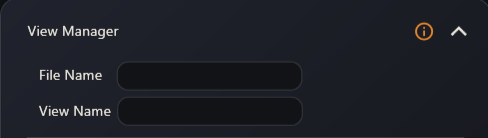
They’re blank when the app starts and fill in the moment a layout is imported. Use them as a quick sanity check that you’re working on the right floor before you generate anything.