
Add HR Box
Place a home-run box yourself and choose which of a panel's circuits it carries.
Last updated July 20, 2026
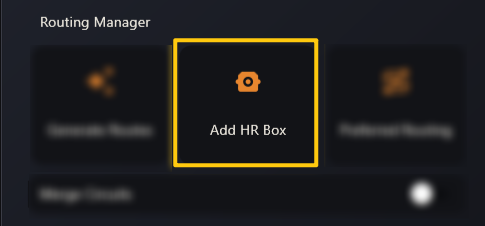
Add HR Box lets you place a home-run box by hand, wherever you want it — useful when the automatic placement isn’t where the field needs it, or when you’re adding a box to a panel after the fact.
How it works
- Click Add HR Box. The viewer switches into placement mode.
- Click the spot on the plan where the box should sit.
- A small dialog opens asking for:
- Connected Panel — which panel this box belongs to, and
- Select Connected Circuits — tick the circuits from that panel that run through this box.
- Confirm, and the box is created and routed like any other.