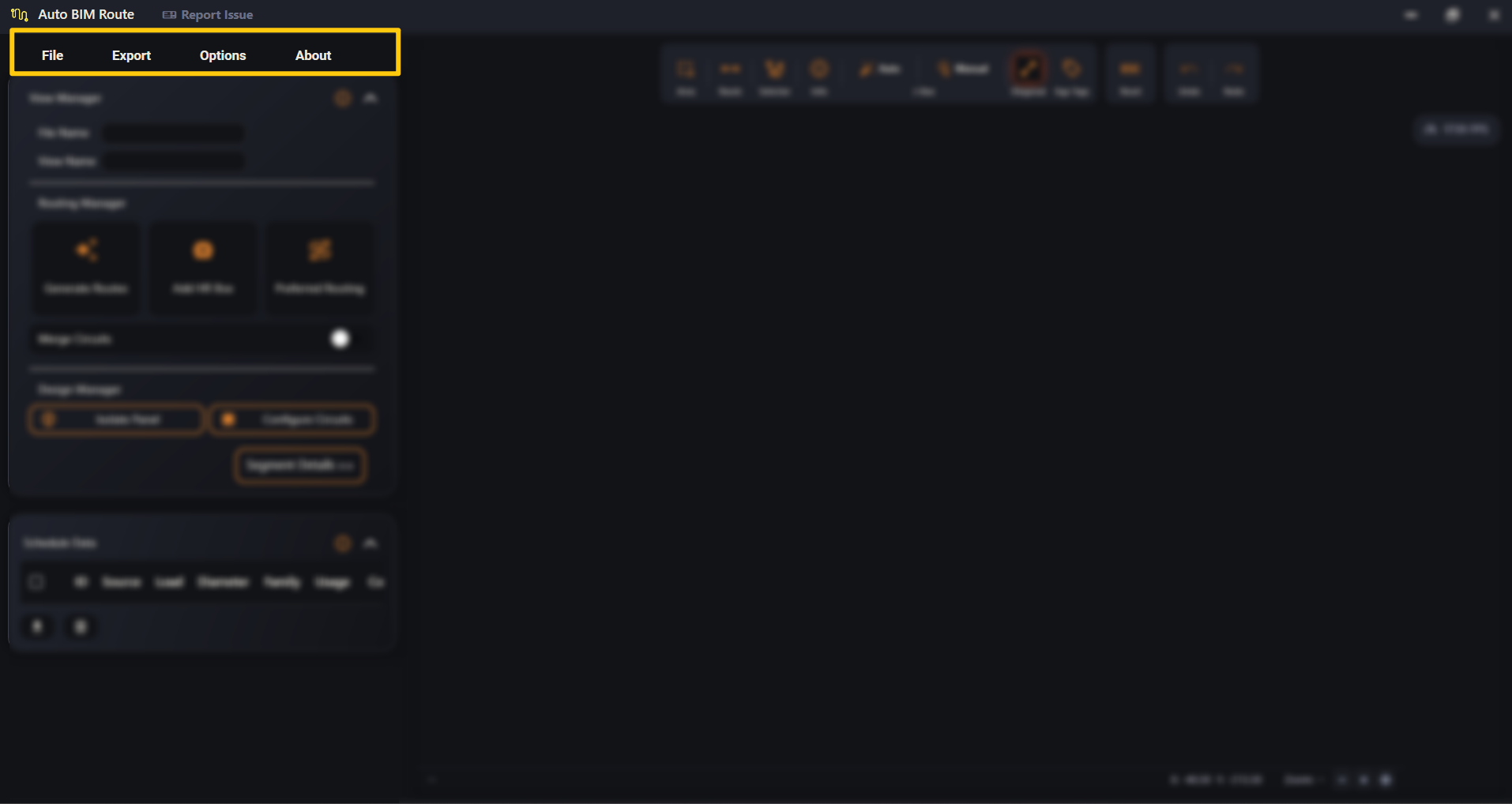
File, Export, Options and About — importing, exporting and the app's default settings.
Last updated July 20, 2026
The menu bar runs across the top of the left panel: File, Export,
Options and About. Two of the four matter a lot — File is how a
design layout comes in, Export is how it goes back out to Revit, and
Options holds the Default Settings that shape everything the app
generates.