
Preferred Routing
Mark the zones on the plan that routes should follow.
Last updated July 20, 2026
Preferred Routing applies preferred areas — zones you draw on the floor plan that routing should prefer to follow.
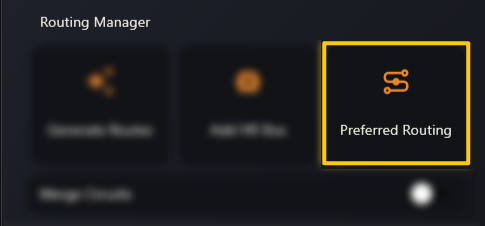
Use it to keep runs in corridors, off sensitive rooms, or aligned with the way the job is actually going to be installed. It’s the same idea as the Preferred Area button in the viewer toolbar, applied from the Routing Manager.
Generate the routes again after changing your preferred areas to see the effect.