
Merge Circuits
The toggle that combines circuits into shared home runs while routes are generated.
Last updated July 20, 2026
Merge Circuits is a toggle, not a button. When it’s on, Generate Routes doesn’t just route each circuit on its own — it combines nearby circuits into shared home runs, the way a real installation would.
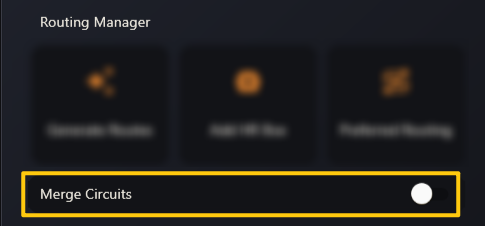
The rules it follows all live in Options → Default Settings → Circuit Merging:
- Auto Merge Max Radius — how close two branches must be to merge.
- Max Circuits Per Merge — how many circuits can share one home run.
- Full Boat — only merge complementary phases into complete A + B + C sets.
- Allow Odd/Even Merging and Allow Different Phases — the looser options.
Conduit sizing is handled for you. A merged home run is sized by real NEC fill: ABR adds up the conductor area of every merged circuit and picks the smallest EMT whose 40 % fill holds them — never smaller than your default diameter.
Leave the toggle off if you want one home run per circuit.