
View Manager
The top of the left panel — which file and view you're working on, and where a design layout comes in.
Last updated July 20, 2026
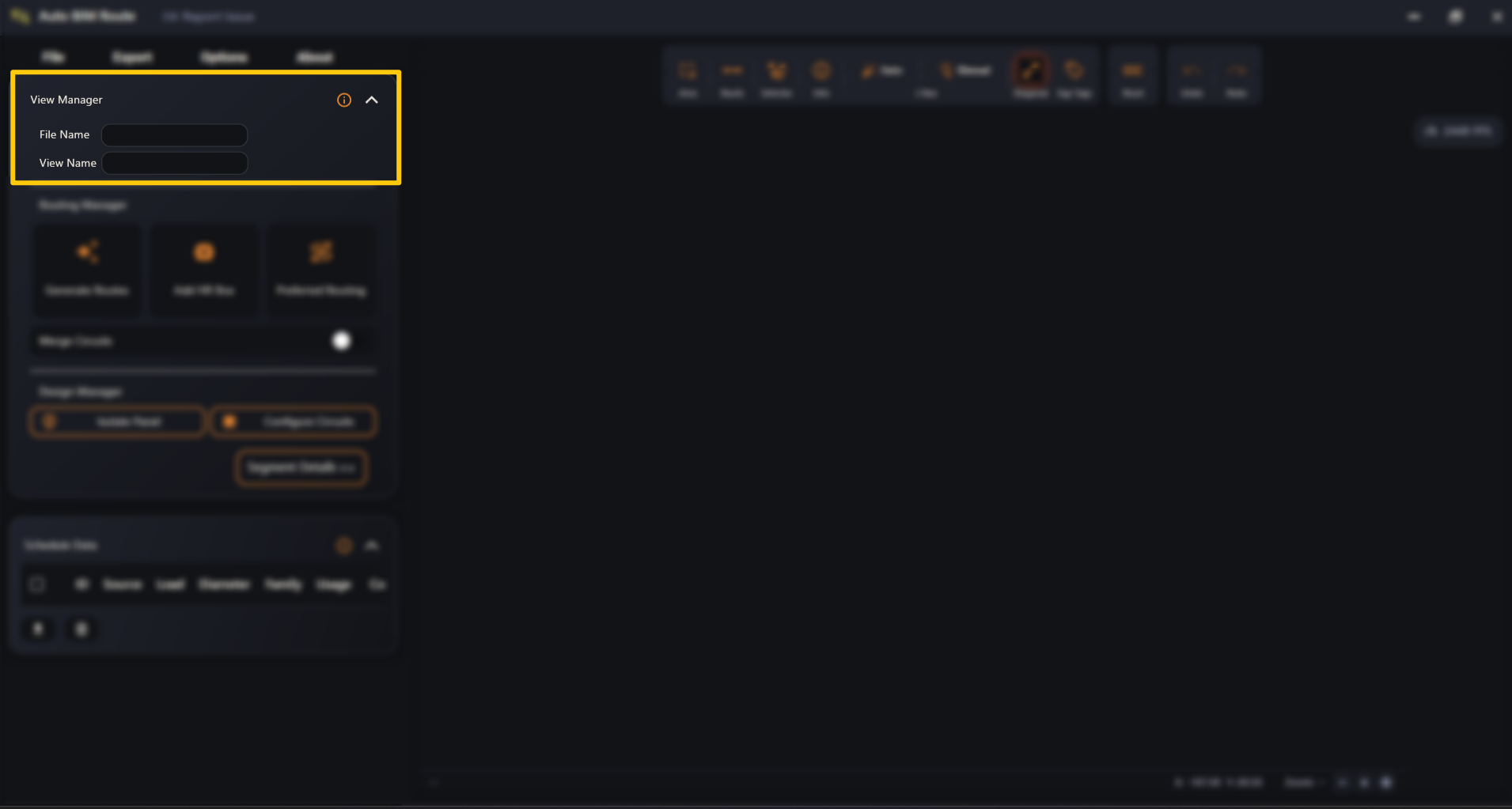
View Manager is the first section of the left panel. It’s the way in: you bring a design layout here, and once it’s loaded it tells you exactly which file and which Revit view you’re working on.
Everything else in the app — Routing Manager, Design Manager, Schedule Data, the viewer — stays empty until a layout is imported here.