
Preferred Area
Mark zones on the floor plan that routes should prefer to follow.
Last updated July 20, 2026
In the toolbar this button is labelled Area.
Preferred Area marks zones on the floor plan where routing should go. Click Preferred Area, then draw rectangles; routes will prefer to follow those zones — great for steering runs down specific corridors or keeping them out of sensitive areas.

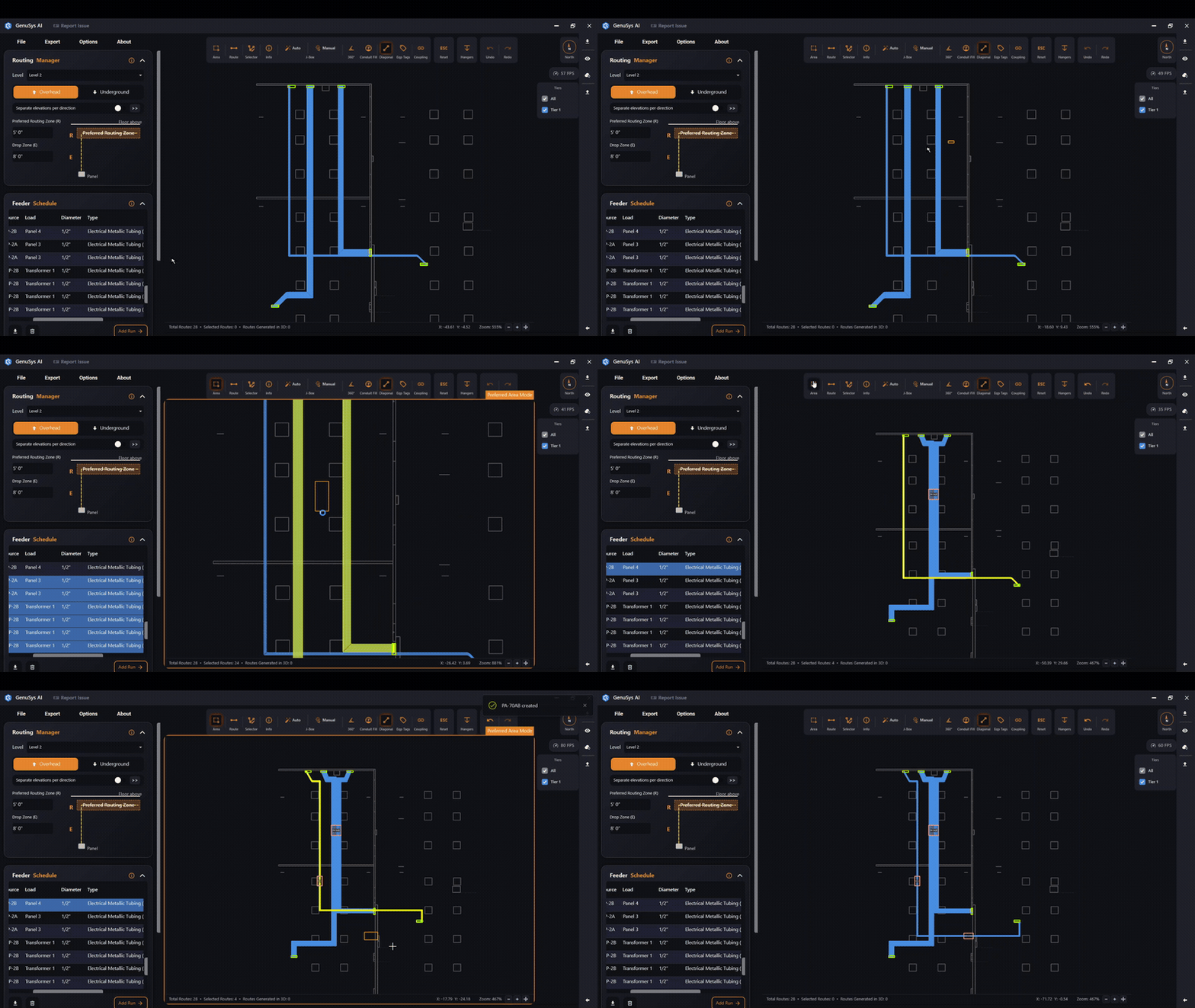
It’s the same thing as Preferred Routing in the Routing Manager, drawn straight in the viewer.