
Design Manager
Focus on one panel at a time, configure how its circuits merge, and inspect individual segments.
Last updated July 20, 2026
Design Manager is the review-and-refine section. Where Routing Manager generates, Design Manager lets you zoom in on a single panel, decide how its circuits are grouped, and look at the detail of a run segment by segment.
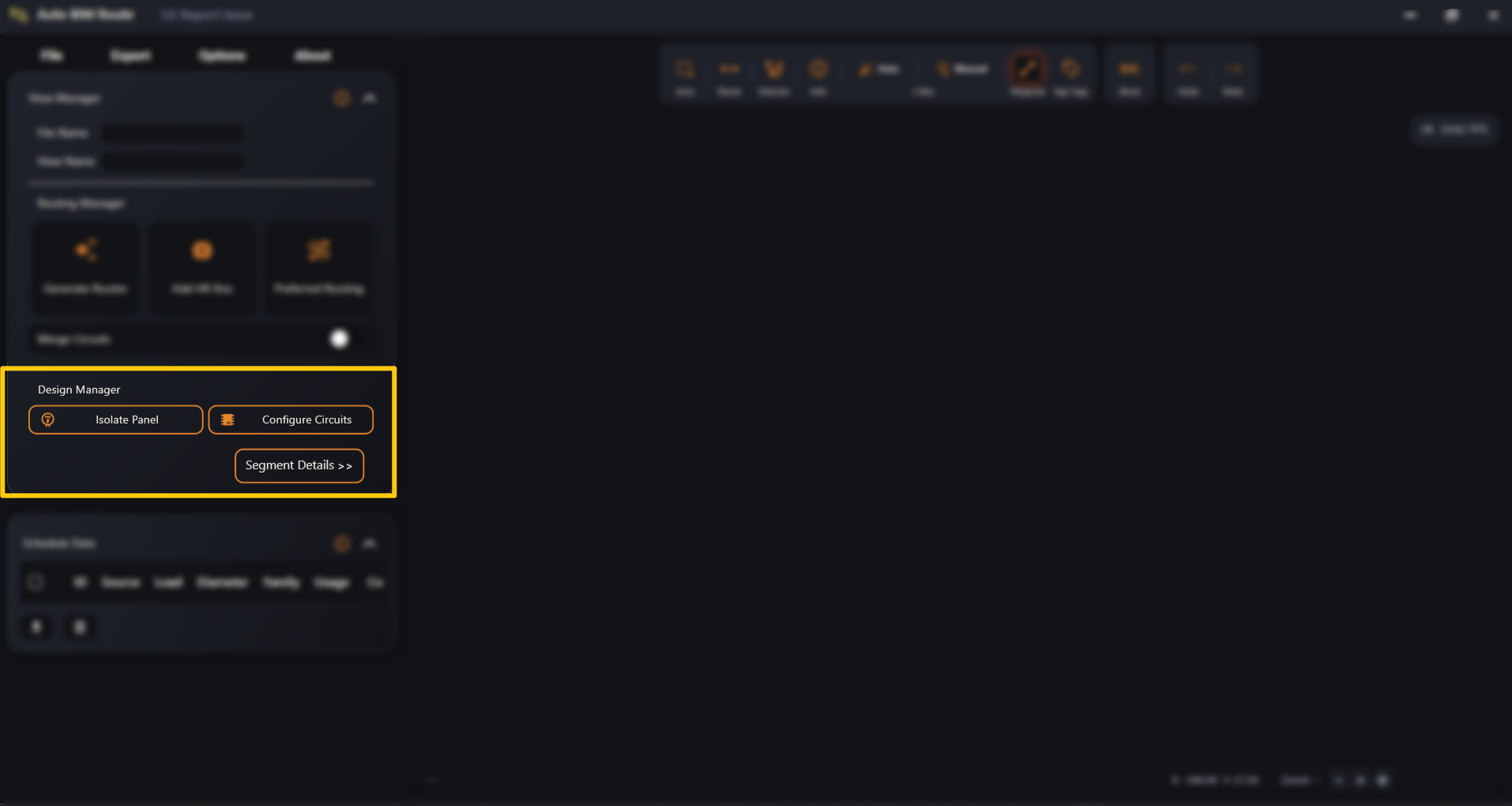
- Isolate Panel — show one panel (or a few) and hide everything else.
- Configure Circuits — open the panel data window and control merging.
- Segment Details >> — slide out the segment-level detail panel.