
Generate Routes
The one-click AI run that places HR boxes and routes every branch back to them.
Last updated July 20, 2026
Generate Routes is the main action of the whole application. Click it and Auto BIM Route:
- reads every panel and its circuited devices from the imported layout,
- places an HR (home-run) box for each panel’s circuits, and
- routes the branches from the devices back to those boxes.
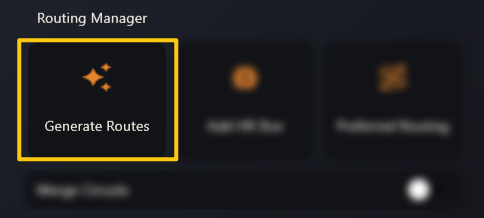
From an imported .abr to a fully routed level — Generate Routes is the second
half of the clip.
While it runs
A Generating HR Boxes progress card tracks the run to 100 %. When it’s done:
- the viewer draws the HR boxes and every branch run, colour-coded by tier (the tier legend on the right lets you show or hide each one),
- the Schedule Data table fills with one row per run, and
- the status bar reports Total Routes, Selected Routes and Routes Generated in 3D.
One run at a time. If you click Generate Routes again while a run is still processing, the app tells you to wait rather than starting a second run.
If the Merge Circuits toggle is on, generation also combines circuits into shared home runs using the rules in Default Settings.